
View Your Team's Earned Certificates
Review the certificates your team has earned from completed training courses, check whether each one is active or expiring, and download a copy when you need it.
Overview
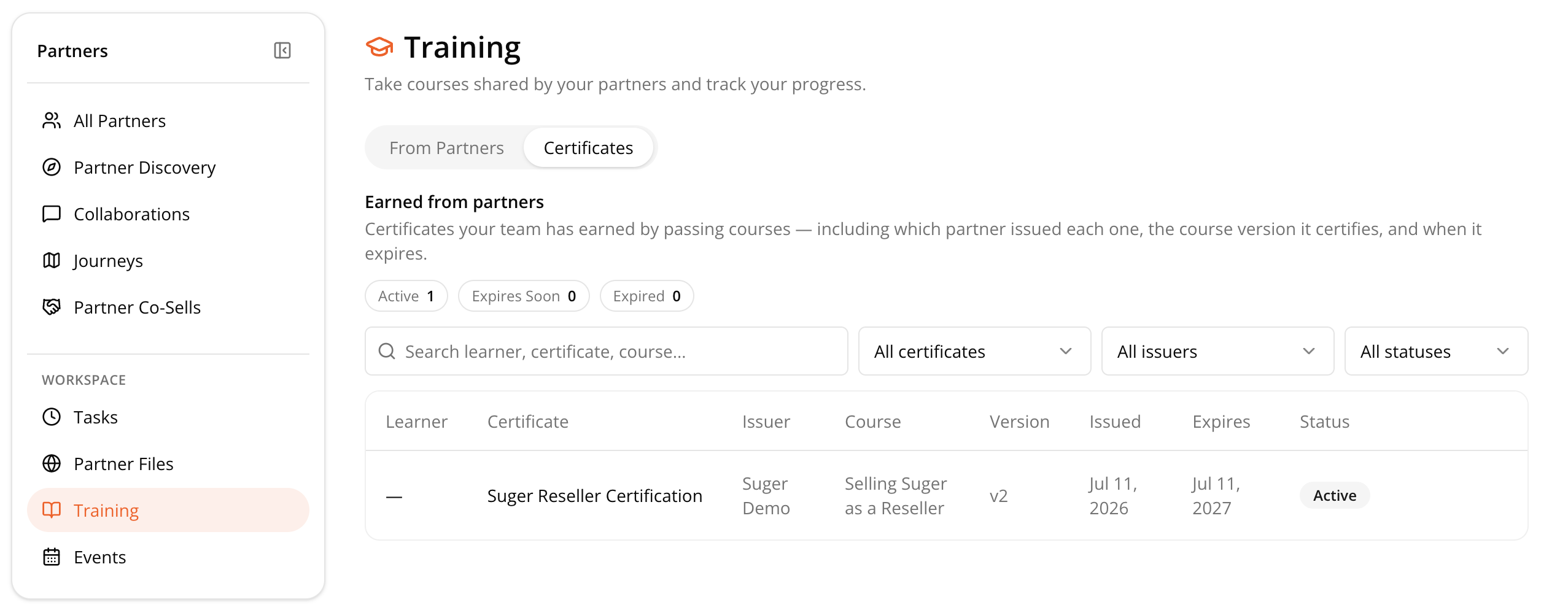
The Certificates page shows all certificates earned from completed training courses. Use it to see at a glance whether a certificate is active, expiring soon, or expired, and to print or save a copy for your records.
Find a Certificate
- Go to Partners Console, then Training, then Certificates.
- Scan the Active, Expires Soon, and Expired counters at the top first. These tell you at a glance whether anything needs attention before you dig into the full list.
- Narrow the list using Search, or filter by certificate, issuer, or status.
View or Print a Certificate
- Go to Partners Console, then Training, then Certificates.
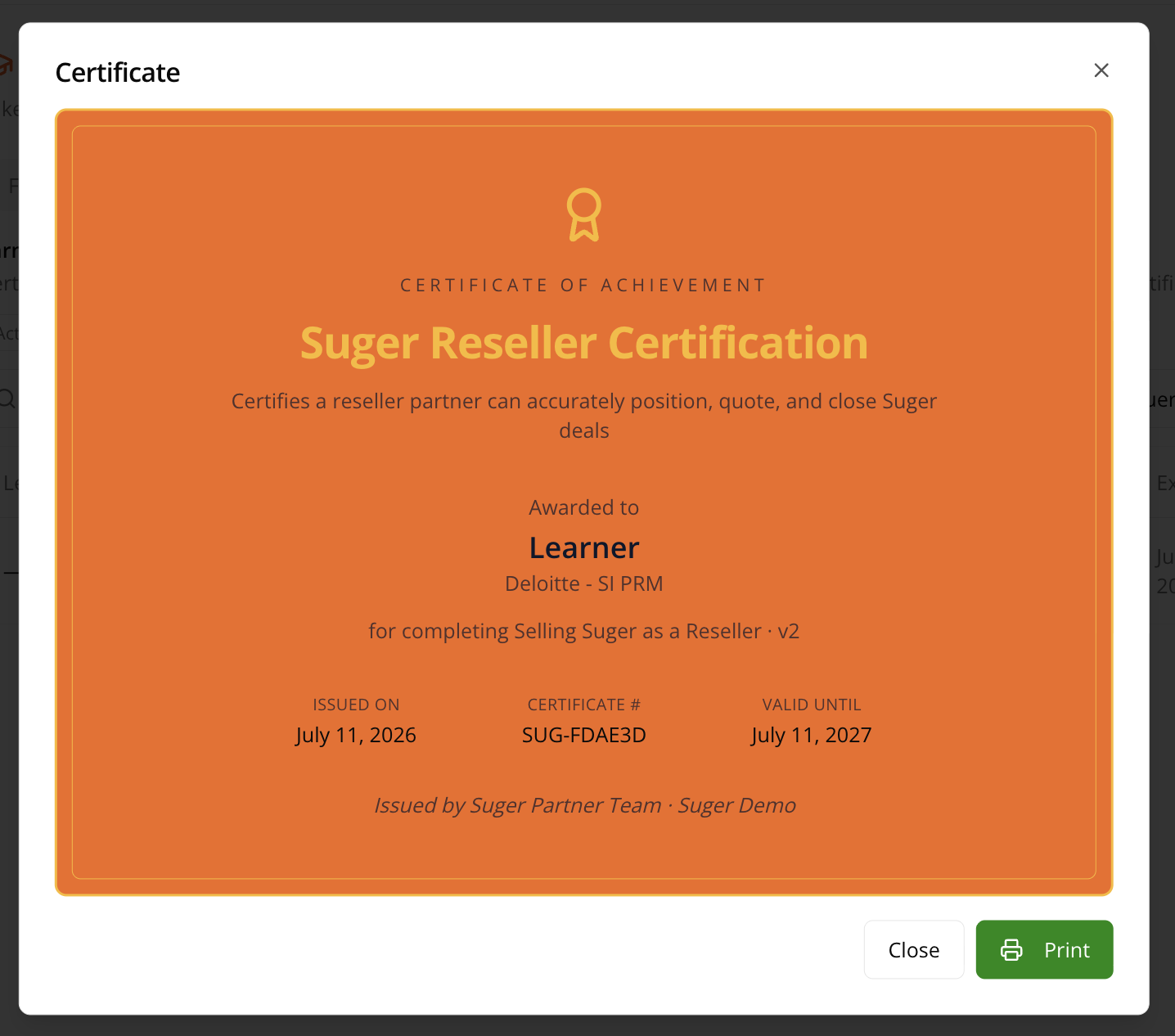
- Click the certificate name.
- Click Print to save a PDF copy.
Next Steps
Haven’t enrolled your team yet? Start with Take a Partner Training Course.