
Status & Stage
Co-Sell Referral Status & Stage Guide
Managing referrals across different cloud marketplaces can be complex because AWS, Azure, and GCP all use different terminology for their statuses and stages.
Suger unifies these into a single, standardized Suger Status to help you track your deals easily without needing to memorize specific definitions for every cloud provider.
This guide explains what each Suger status means and how it maps to the specific status or stage in AWS, Azure, and Google Cloud.
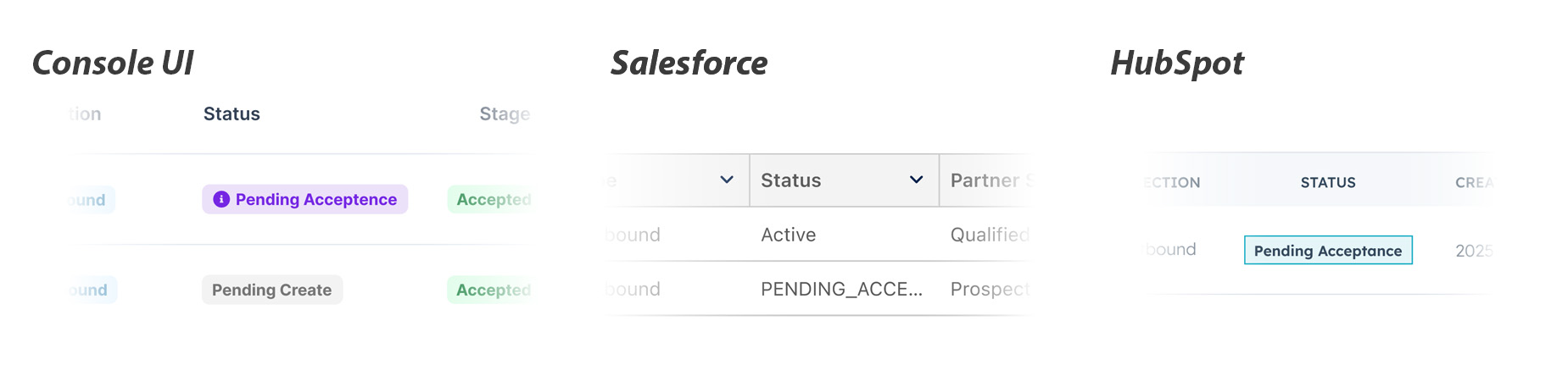
Status Overview & Mappings
The table below shows the correspondence between the unified Suger Status and the native Partner Status/Stage.
| Suger Status | Explanation | AWS Mapping | Azure Mapping | GCP Mapping |
|---|---|---|---|---|
| Draft | The referral is saved as a draft in Suger and has not been submitted to the cloud partner yet. | (Not yet synced) | (Not yet synced) | (Not yet synced) |
| Pending Create | The referral is currently being processed by Suger and will be created on the partner portal shortly. | Pending Create | (N/A) | (N/A) |
| Create Failed | The submission failed. You can hover over the status icon to see the specific error message. | (Error) | (Error) | (Error) |
| In Review | Successfully submitted. Waiting for the cloud partner to review. | Status: Submitted, In Review | SubStatus: Pending (Outbound) | State: SUBMITTED |
| Pending Acceptance | Action Required: You received an inbound referral. Please accept or decline it to proceed. | Status: Received (Engagement Invitation) | SubStatus: Received (Inbound) | (N/A) |
| Action Required | Action Required: The cloud partner requires updates. Please modify the referral based on feedback and submit again. | Status: Action Required | (N/A) | (N/A) |
| Rejected | The referral was rejected by the cloud partner. | Status: Rejected | SubStatus: Declined | State: NOT_ACCEPTED |
| Expired | The referral expired because it was not approved or rejected within the time limit. | Status: Expired | Status: Expired | (N/A) |
| Active | The referral is active. It has been accepted by the cloud partner or created as a self-led referral. | Status: Approved | Status: Active & SubStatus: Accepted | State: ACCEPTED |
| Closed Won | The referral has been successfully closed as Won. | Stage: Launched | SubStatus: Won | Stage: MIGRATION_IMPL |
| Closed Lost | The referral has been closed as Lost. | Stage: Closed Lost | SubStatus: Lost | Stage: CLOSED_LOST |
| Closed Error | The referral was closed by the cloud partner due to a validation or system error. | (N/A) | SubStatus: Error | Stage: CLOSED_ADMIN |
Understanding Key Features
1. Unified View
Instead of juggling AWS “Stages,” Azure “Sub-statuses,” and GCP “States,” you can rely on the Suger Status column to know exactly where a deal stands in the lifecycle.
2. Error Troubleshooting
If a referral enters the Create Failed or Update Failed state:
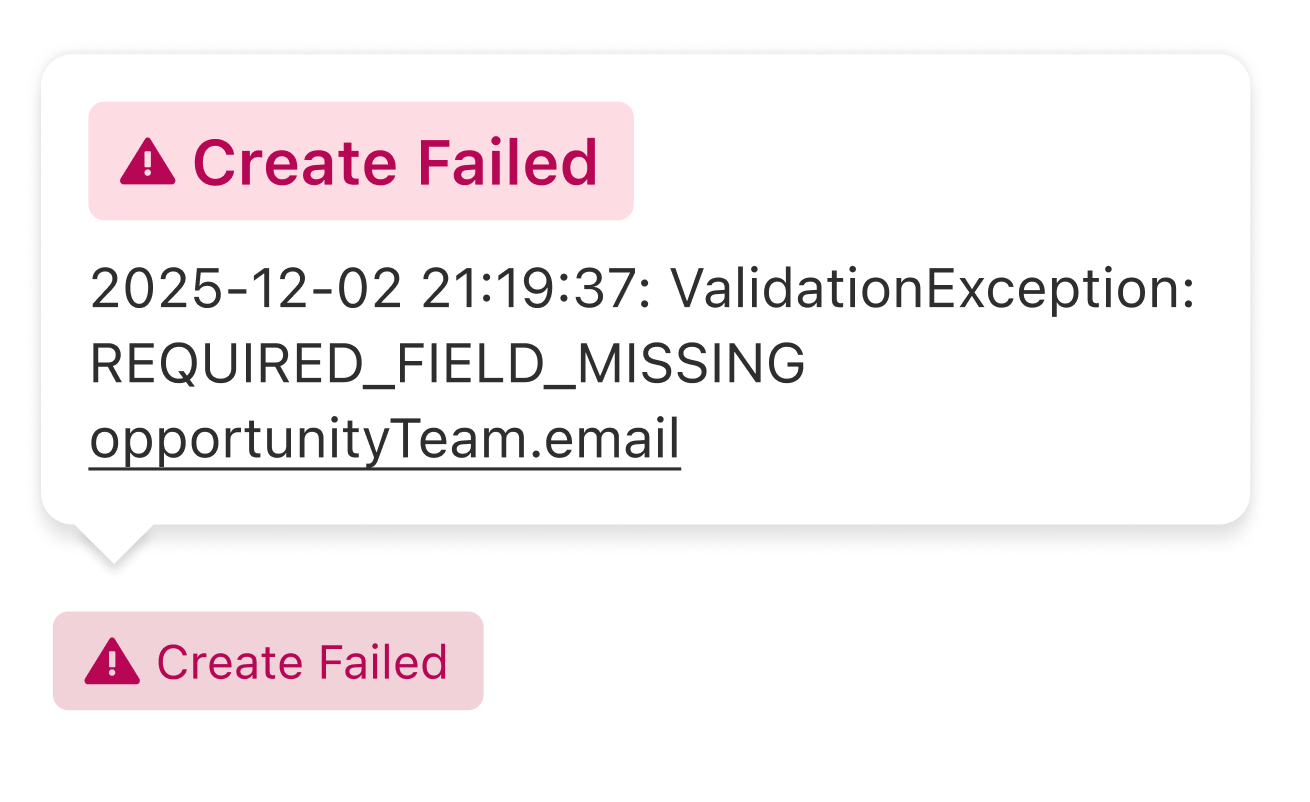
Hover: You can hover your mouse over the status in the list view to see a card containing the specific error message explaining why it failed.
Detail Page: The error message is also visible directly on the referral detail page.
3. Inbound vs. Outbound Logic
In Review: Generally applies to Outbound referrals (deals you sent to the cloud partner) that are waiting for their approval.
Pending Acceptance: Applies to Inbound referrals (opportunities the cloud partner sent to you) that require your acceptance.