
OpenAI
Connect your OpenAI API key for unlimited features at cost.
Overview
By integrating your OpenAI account with Suger, you can utilize your own OpenAI API key. This allows you to access certain AI-powered features within Suger, with billing for API usage handled directly by OpenAI.
Org-Level vs User-Level
Suger supports two levels of OpenAI integration:
- Org-Level: Uses OpenAI API key for org-wide access. Suitable for GPT model access across your organization. API usage is billed to the organization.
- User-Level: Uses Codex for personal workspace access. Suitable for individual developers who want to use Codex in their personal workflow.
Create Integration
- Navigate to the Suger Console Integration page.
- Find the OpenAI integration and click the
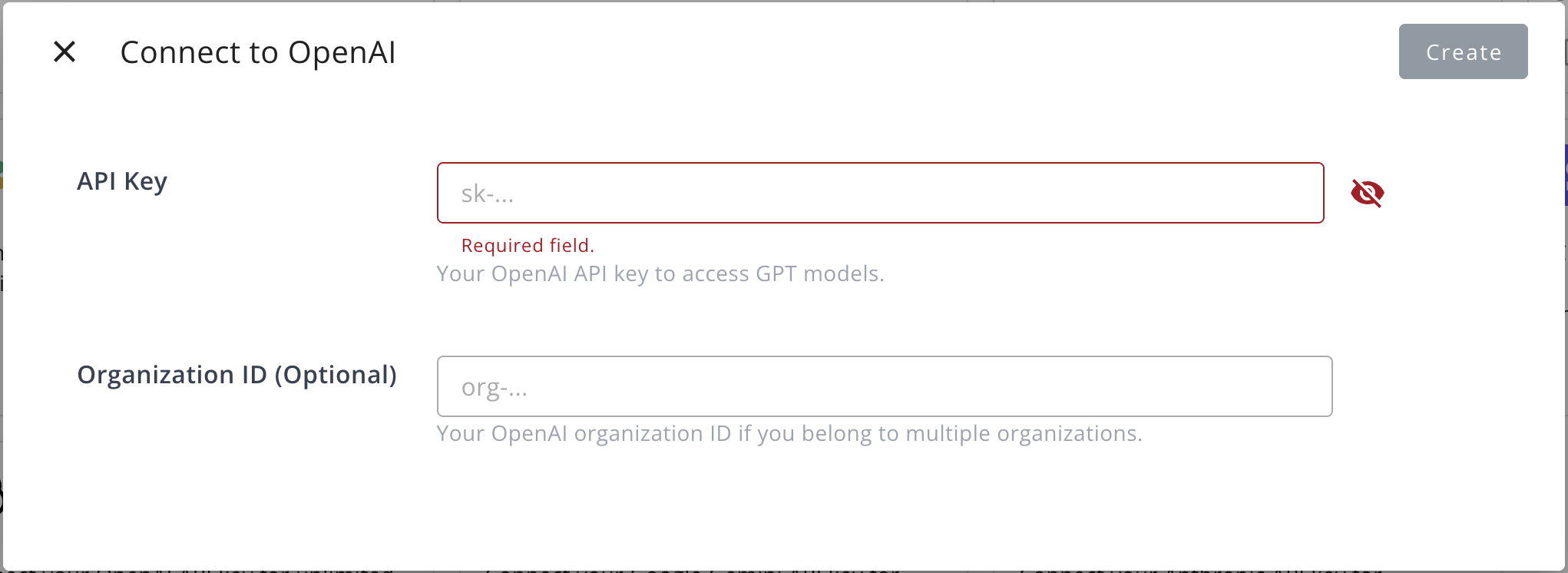
Connectbutton. - In the dialog that appears, provide the following information:
- API Key: Your OpenAI API key for accessing GPT models.
- Organization ID (Optional): Your OpenAI organization ID, if you belong to multiple organizations.
Edit Integration
You can edit the existing integration to update the following field:
- Organization ID (Optional): Your OpenAI organization ID.
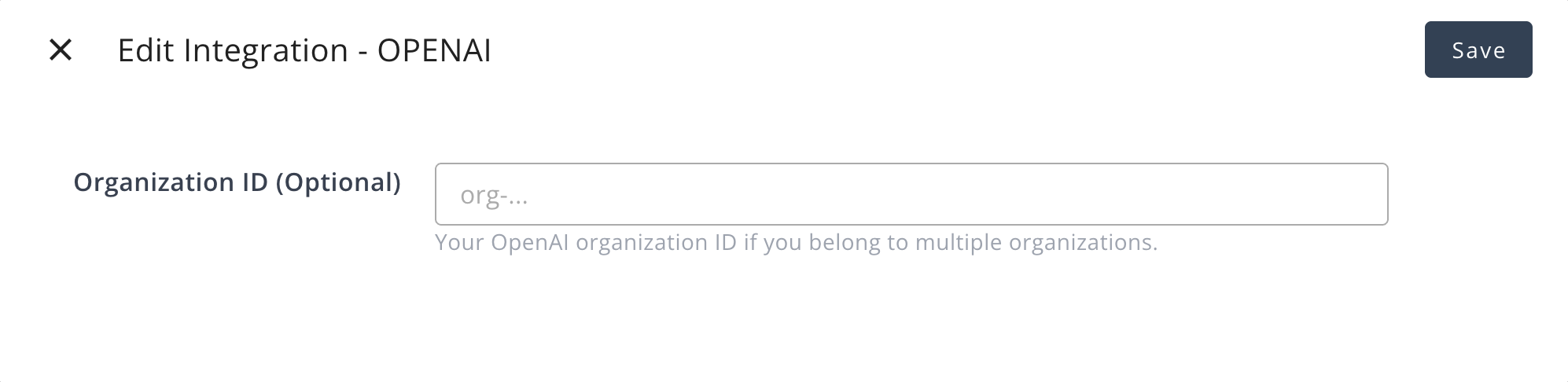
Editing the API key is not supported. To change the API key, you must delete the current integration and create a new one.
Delete Integration
You can delete the OpenAI integration at any time. Please be aware that this action is irreversible and will permanently remove the integration credentials.
Create User Integration (Codex)
Use user-level integration when you want to use Codex for your personal workspace.
- Click
Connect Nowbutton in the User Integrations section - You will be redirected to OpenAI to authorize
- Grant access to your Codex workspace
- Return to Suger to confirm connection