Track Your Assigned Partner Journey
Follow the onboarding and program journeys your seller assigns to you, read your progress at a glance, and know what’s expected at each step.
Overview
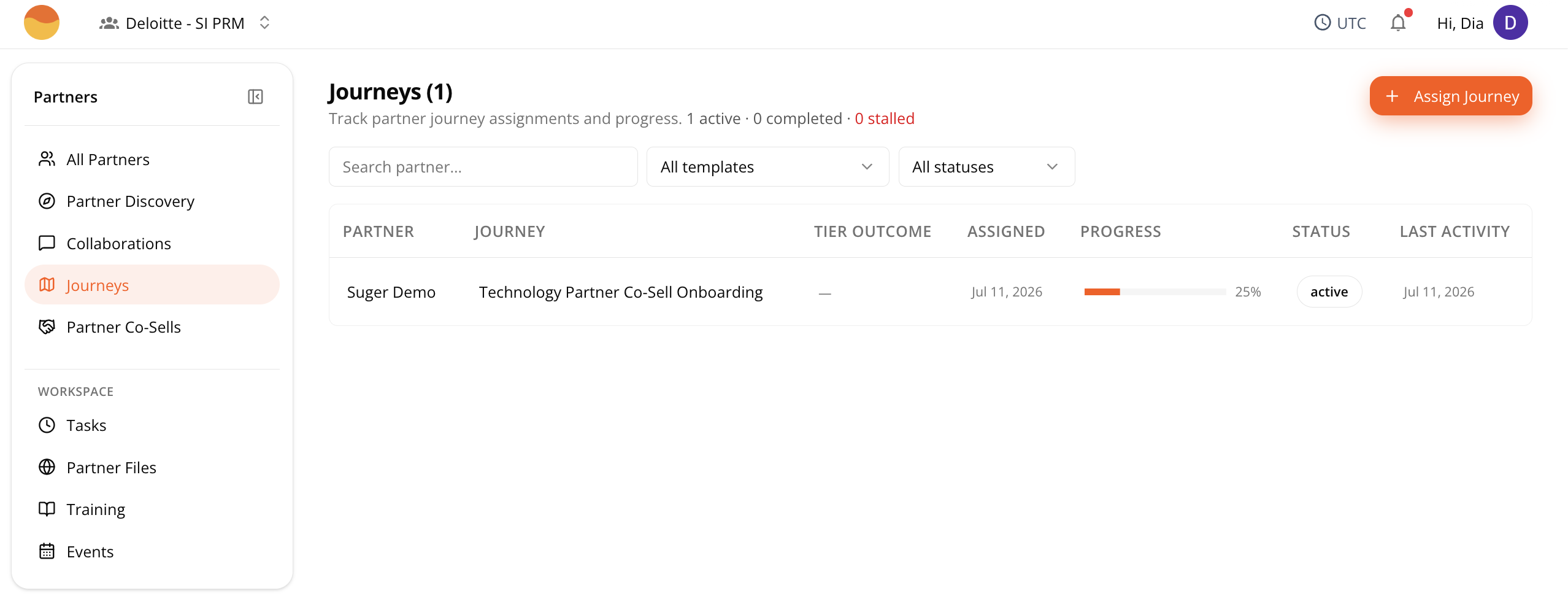
Your seller may assign one or more journeys to guide you through onboarding or other program milestones. Each journey is a sequence of steps your seller wants you to complete.
Because each seller designs their own journeys, the steps, names, and order may look different from the examples in this guide.
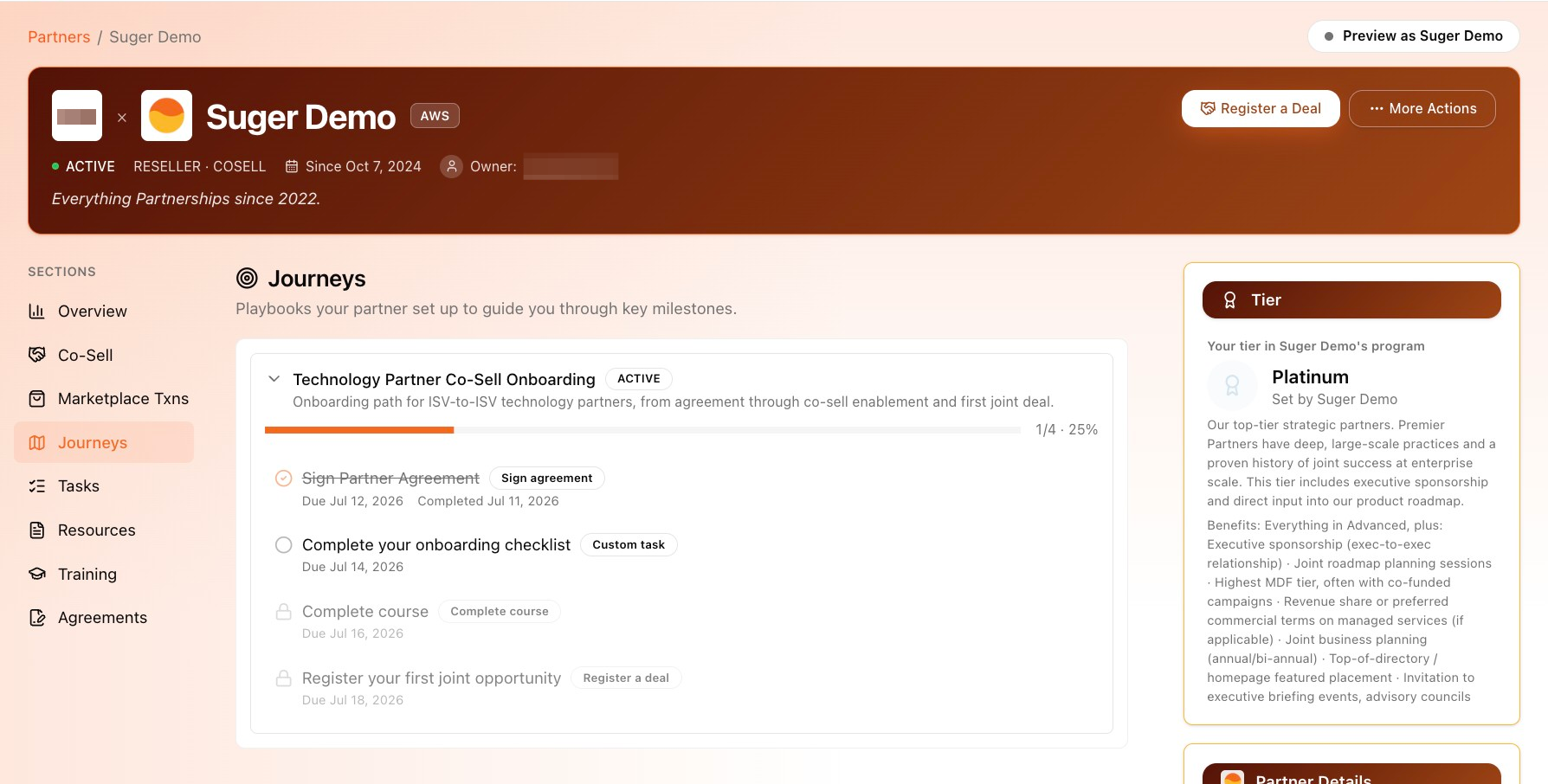
Find Your Journey
Go to Partner Console, then Journeys.
If your seller has assigned more than one journey, each appears as its own card.
Read Your Progress
A progress bar at the top of each card (for example, “1/4 · 25%”) shows how far along the journey is overall.
Each step shows one of three states:
- Checkmark with a strikethrough title. The step is done, with a Completed [date] shown below it.
- Open circle. The step is unlocked. It’s your turn to act on it.
- Grey padlock. The step is locked. If Sequential mode is on, you’ll need to finish the steps before it first.