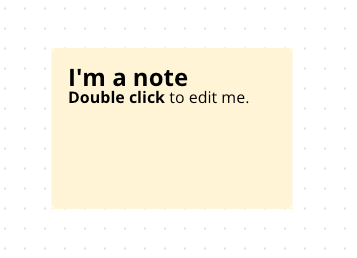
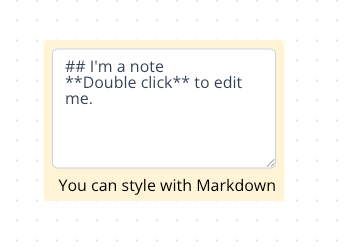
 Double-click to edit and style with Markdown.
Such as using `**` `**` for emphasis and `##` for a title.
For more Markdown syntax, please refer to the [official documentation](https://www.markdownguide.org/).
And you can also drag the edge of the note to resize it.
Double-click to edit and style with Markdown.
Such as using `**` `**` for emphasis and `##` for a title.
For more Markdown syntax, please refer to the [official documentation](https://www.markdownguide.org/).
And you can also drag the edge of the note to resize it.