# OpenAI
Connect your OpenAI API key for unlimited features at cost.
---
## Overview
By integrating your OpenAI account with Suger, you can utilize your own OpenAI API key. This allows you to access certain AI-powered features within Suger, with billing for API usage handled directly by OpenAI.
### Org-Level vs User-Level
Suger supports two levels of OpenAI integration:
- **Org-Level**: Uses OpenAI API key for org-wide access. Suitable for GPT model access across your organization. API usage is billed to the organization.
- **User-Level**: Uses Codex for personal workspace access. Suitable for individual developers who want to use Codex in their personal workflow.
---
## Create Integration
1. Navigate to the [Suger Console Integration](https://console.suger.io/settings?tab=integrations) page.
2. Find the **OpenAI** integration and click the `Connect` button.
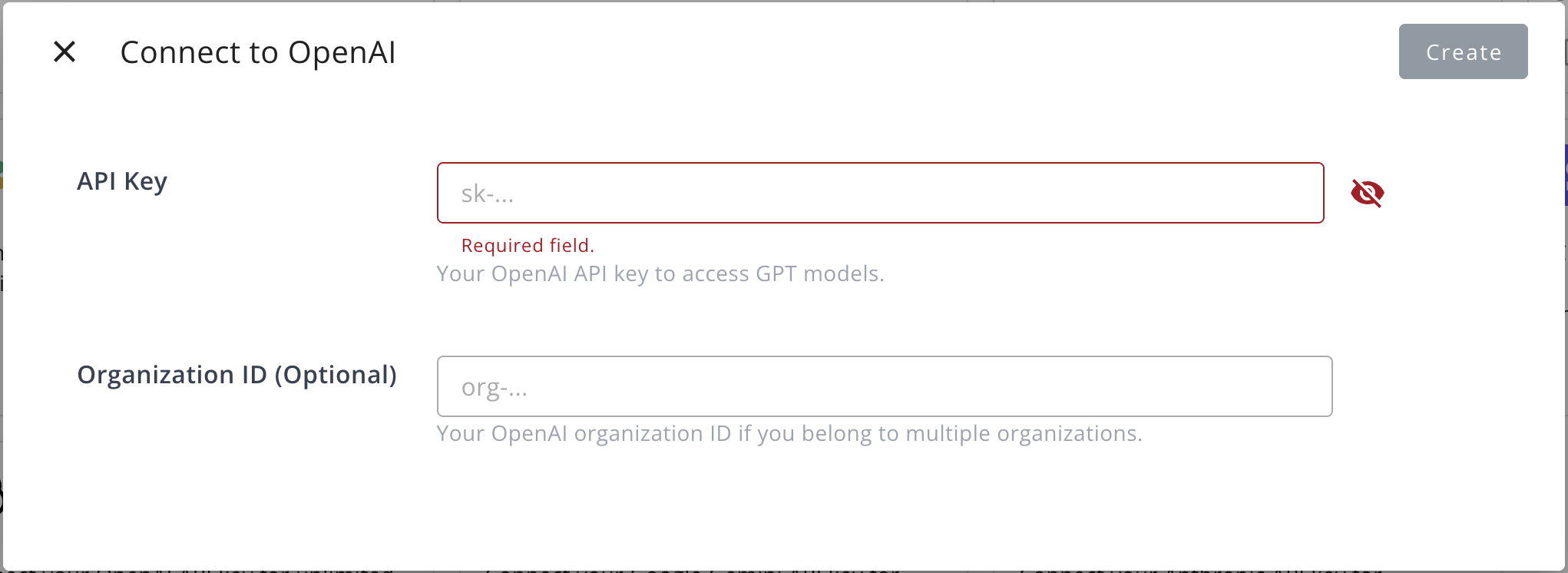
3. In the dialog that appears, provide the following information:
- **API Key**: Your OpenAI API key for accessing GPT models.
- **Organization ID** (Optional): Your OpenAI organization ID, if you belong to multiple organizations.
>  ## Edit Integration
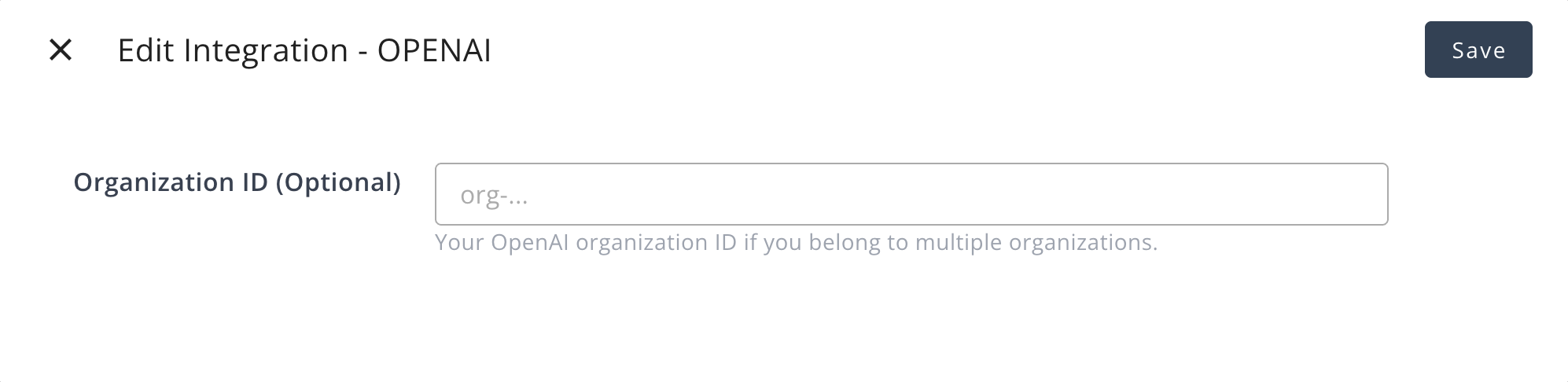
You can edit the existing integration to update the following field:
- **Organization ID** (Optional): Your OpenAI organization ID.
>
## Edit Integration
You can edit the existing integration to update the following field:
- **Organization ID** (Optional): Your OpenAI organization ID.
>  Editing the API key is not supported. To change the API key, you must delete the current integration and create a new one.
## Delete Integration
You can delete the OpenAI integration at any time. Please be aware that this action is irreversible and will permanently remove the integration credentials.
---
## Create User Integration (Codex)
Use user-level integration when you want to use Codex for your personal workspace.
1. Click `Connect Now` button in the User Integrations section
2. You will be redirected to OpenAI to authorize
3. Grant access to your Codex workspace
4. Return to Suger to confirm connection
:::warning
Deleting the integration will remove access to Codex immediately.
:::
Editing the API key is not supported. To change the API key, you must delete the current integration and create a new one.
## Delete Integration
You can delete the OpenAI integration at any time. Please be aware that this action is irreversible and will permanently remove the integration credentials.
---
## Create User Integration (Codex)
Use user-level integration when you want to use Codex for your personal workspace.
1. Click `Connect Now` button in the User Integrations section
2. You will be redirected to OpenAI to authorize
3. Grant access to your Codex workspace
4. Return to Suger to confirm connection
:::warning
Deleting the integration will remove access to Codex immediately.
:::